
Sign In
Email and password
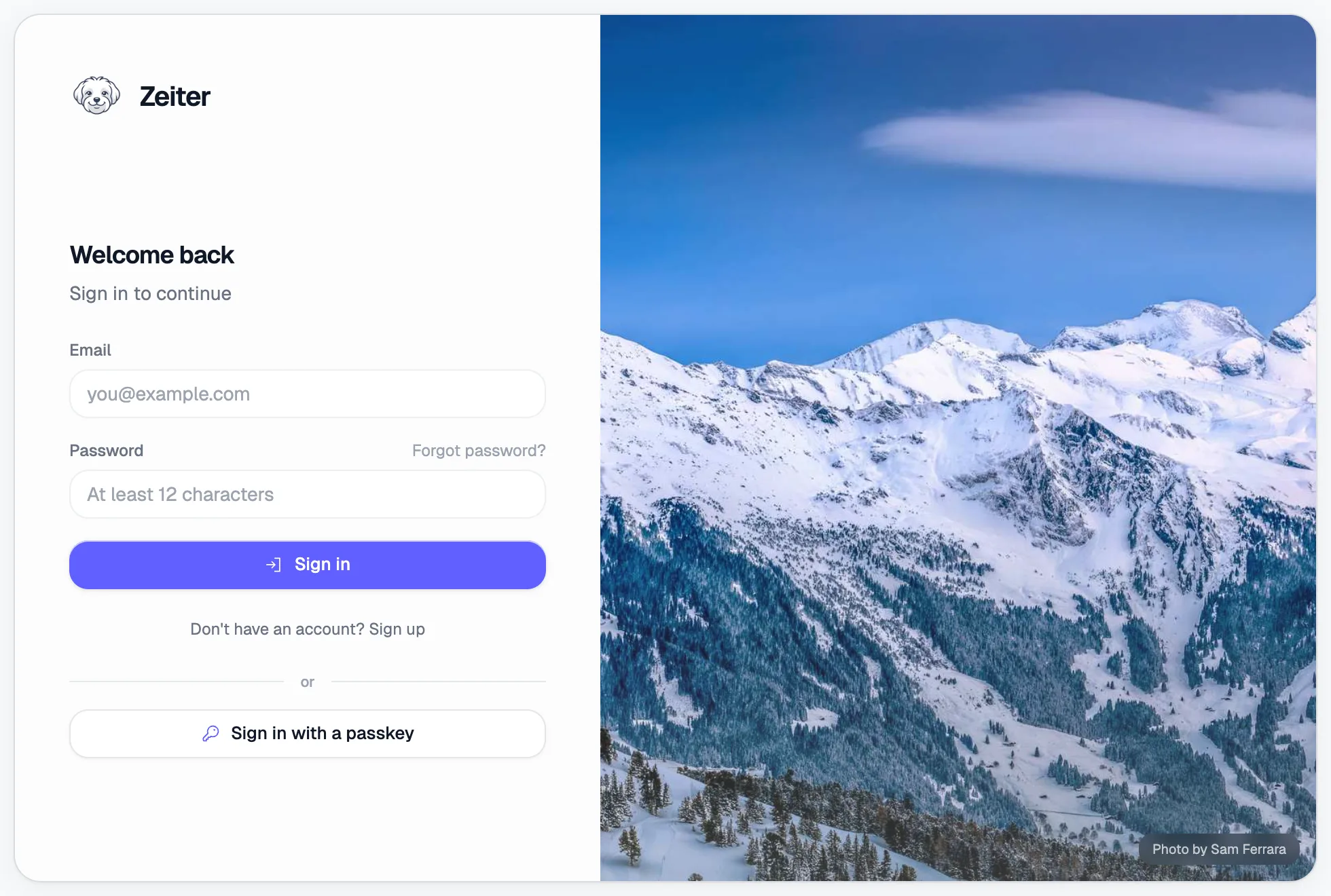
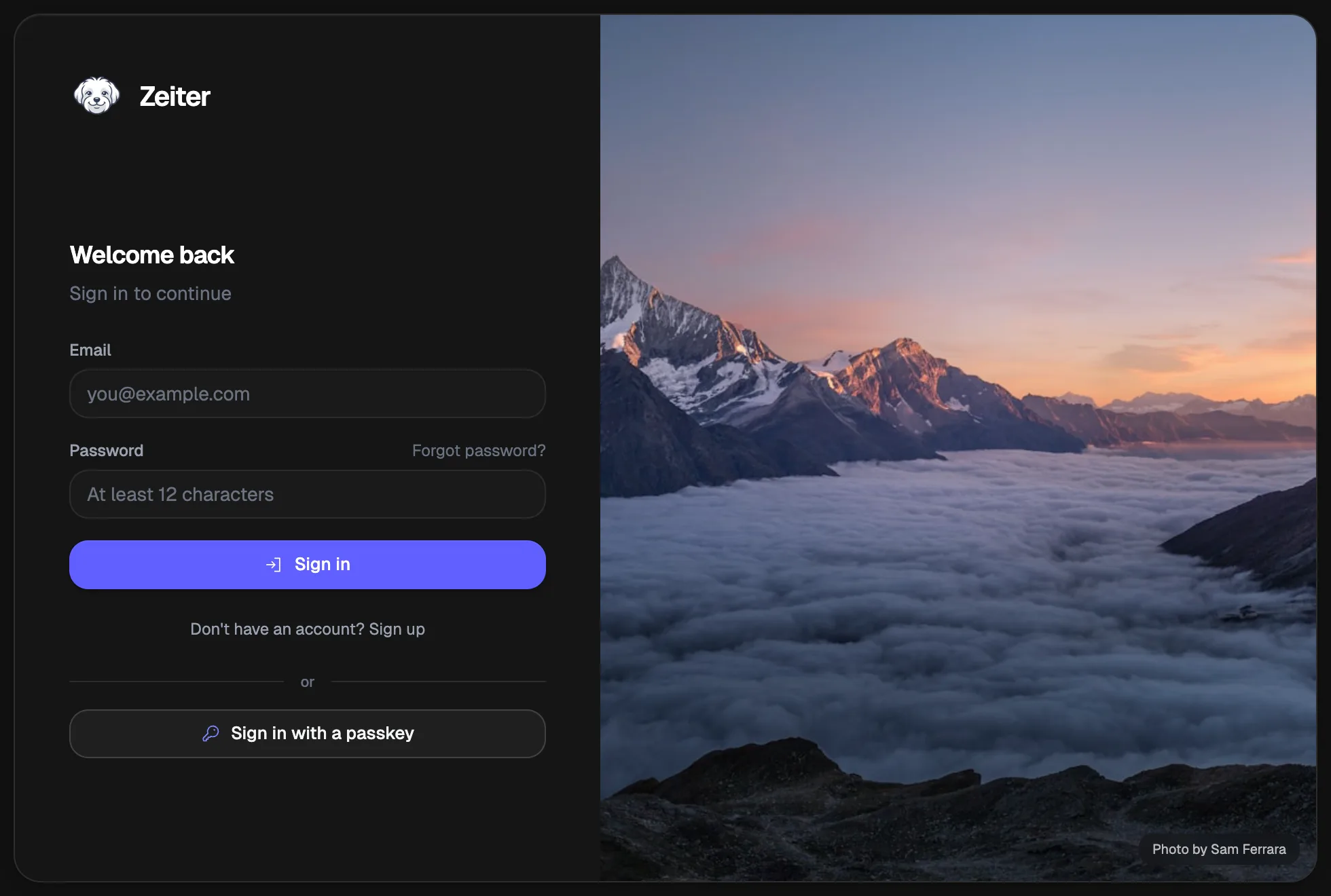
Section titled “Email and password”- Open Zeiter. The sign-in form is shown by default.
- Enter your email and password.
- Click Sign In.
Passkey login
Section titled “Passkey login”If you have registered a passkey (during onboarding or in Settings), you can skip the password entirely:
- Below the sign-in form, click Sign in with passkey.
- Follow your browser or device prompt (fingerprint, Face ID, security key, etc.).
Two-factor authentication (MFA)
Section titled “Two-factor authentication (MFA)”If your account has two-factor authentication enabled, you will see an extra step after entering your password:
- Open your authenticator app (e.g. Google Authenticator, 1Password, Authy).
- Enter the 6-digit code shown in the app.
- Click Verify.